
Published reference
Start with the current product page, product family, visible model table and available product image.
Product Range
Browse RITOKS products by electrical function, then narrow to the relevant product family.
View all productsIndustry Solutions
Power and protection components for reliable electrical systems across industrial and energy applications.
Explore All ApplicationsResources
Technical and product-selection resources for industrial electrical buyers.
Explore ResourcesTechnical Library
Blog CenterAbout RITOKS
Discover RITOKS product sourcing, exact-model support and responsive technical service for global customers.
Explore Our CompanyProduct information control
Connect the intended product, the current published data and the information still needed before an exact-model quotation.

Use published product information and inquiry inputs to prepare an exact-model verification request.
Start with the current product page, product family, visible model table and available product image.
Record the application context, required ratings, configuration, quantity and destination supplied by the buyer.
Separate confirmed published data from model-specific information that still needs to be requested.
The sequence keeps published information visible and separates it from details that still require confirmation.
Open the relevant current RITOKS category and product page.
Capture the exact model reference or the closest published family.
Use visible tables, descriptions and images as the present reference.
List the specific rating, dimension or document not established on the page.
Combine product references, requirements, quantity and destination for confirmation.
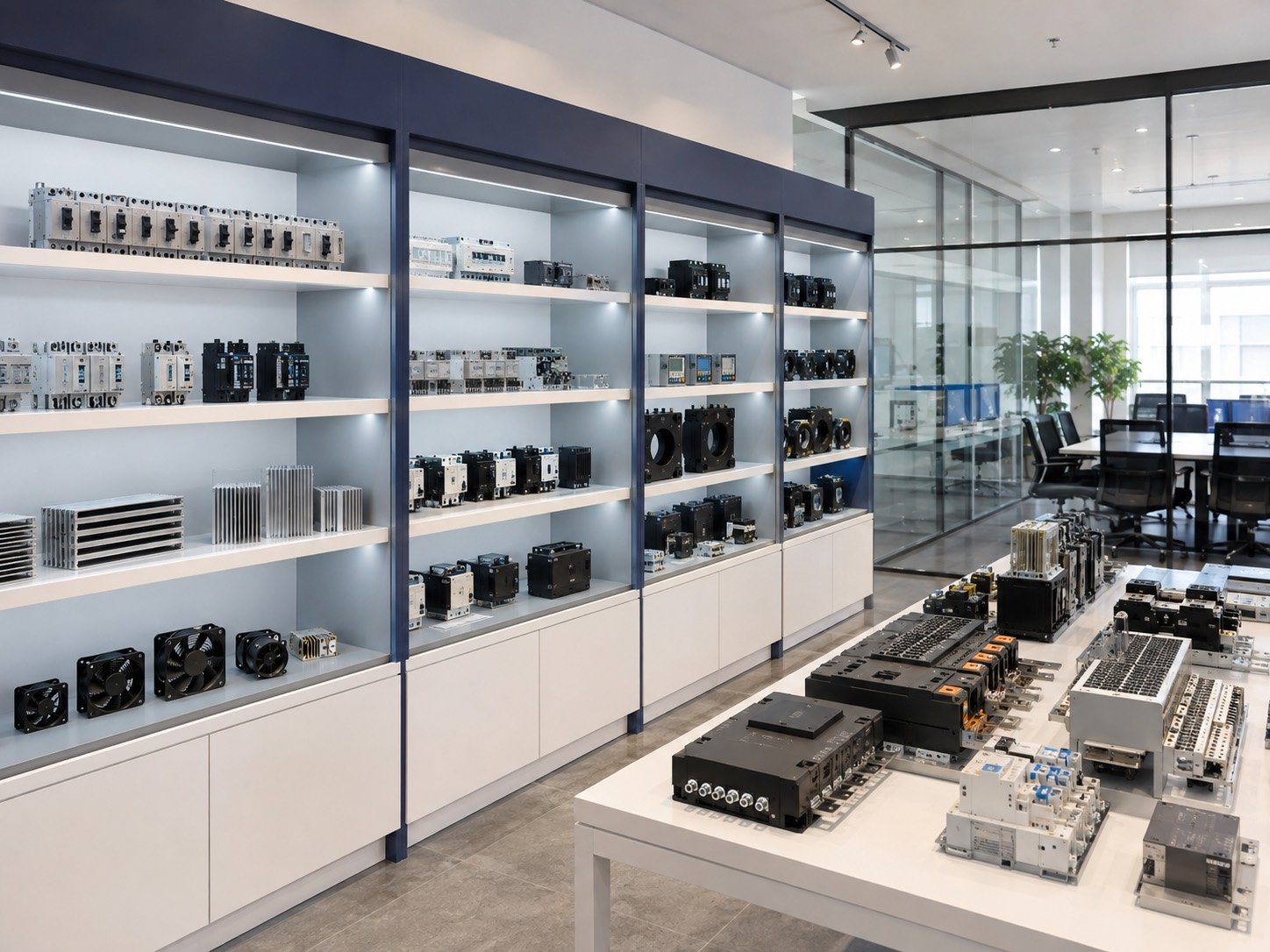
Model-level verification
Product-family information can narrow the search, but exact ratings, dimensions and supporting documents must be tied to the specific model being considered.
Use the product page and returned model documentation as the evidence for each verification step.
Use only the information that is presently published or explicitly returned for the selected inquiry.
Current product name, summary, tables, images and visible notes.
The product family and related current catalog destinations.
Published questions that help buyers prepare requirements without replacing exact data.
Available model-specific information supplied only after the exact requirement is identified.
Include the product URL or model, known ratings, application context, quantity, destination and the document purpose.